The digital age has drastically transformed how we create, interpret, and use text. Crafting compelling narratives and extracting valuable insights from large amounts of textual data, text generation, and analysis are revolutionizing industries worldwide.
For instance, Google has been at the forefront of AI advancements with its robust suite of tools and models. One notable model is Google’s Gemini, which offers advanced text generation and analysis capabilities. The AI boom, initially sparked by various AI models, has led to a surge in innovation and the development of competitive products, driving public interest and investment in artificial intelligence. Generative AI has assisted us in various ways, including code debugging, email composing, and explaining complex concepts.
In this blog, we will build a Python-based web application using Flask to generate text based on Google’s Gemini 1.5 Pro Model. We will also analyze the generated text for sentiment, key topics, and readability. Finally, we will deploy the Flask app using Cloud Run. This tutorial is designed for beginners with basic Python, Flask, and Google Cloud knowledge.
As someone passionate about leveraging AI to solve real-world problems, I was inspired to create this tool to simplify content creation and analysis. The ease of use and power of Google’s AI models motivated me to share this process with fellow developers.
This blog is aimed at beginner developers who have a basic understanding of Python programming and are interested in exploring AI-powered applications using Google Cloud.
By the end of this tutorial, you will have a fully functional AI-powered content generation and analysis tool deployed on Google Cloud.
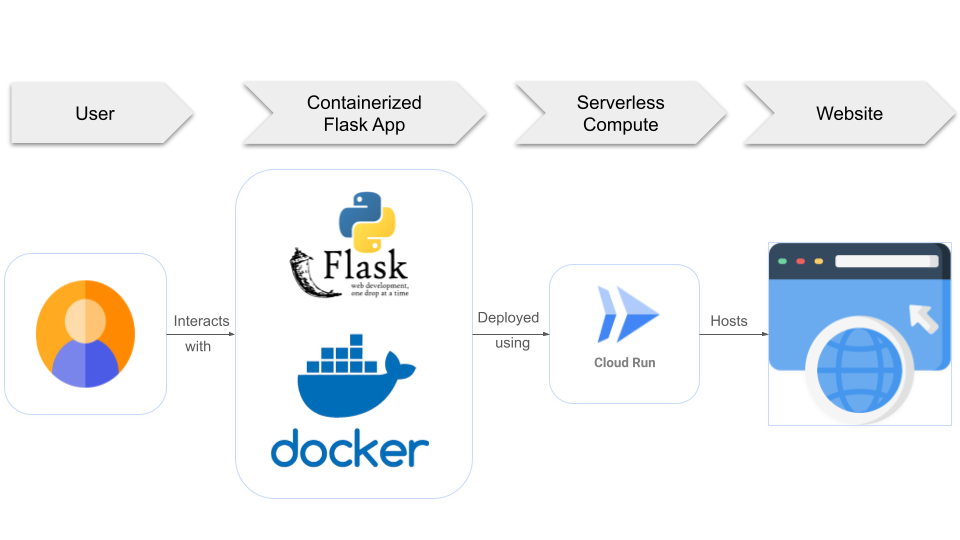
For this project, simple architecture is used: The user inputs their prompt or incomplete text on the first page of a Flask application. The Gemini 1.5 Pro Model processes this input to generate content. The generated content is then analyzed for sentiment, key topics, and readability and displayed on the second page of the application.
This design ensures usability and functionality while keeping the implementation straightforward. The separation of content generation and analysis on different pages enhances user experience by logically organizing tasks.
Below is a simple diagram illustrating the high-level architecture:
Frontend: A simple HTML form for input and display generated content and analysis.
Backend: Flask server handling requests, interacting with the Gemini model, and processing text.
Docker: For containerizing the Flask App
Cloud Deployment: Google Cloud Run for serverless deployment, ensuring scalability and ease of management.

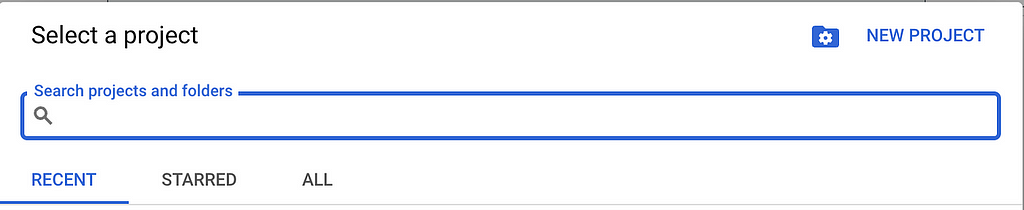
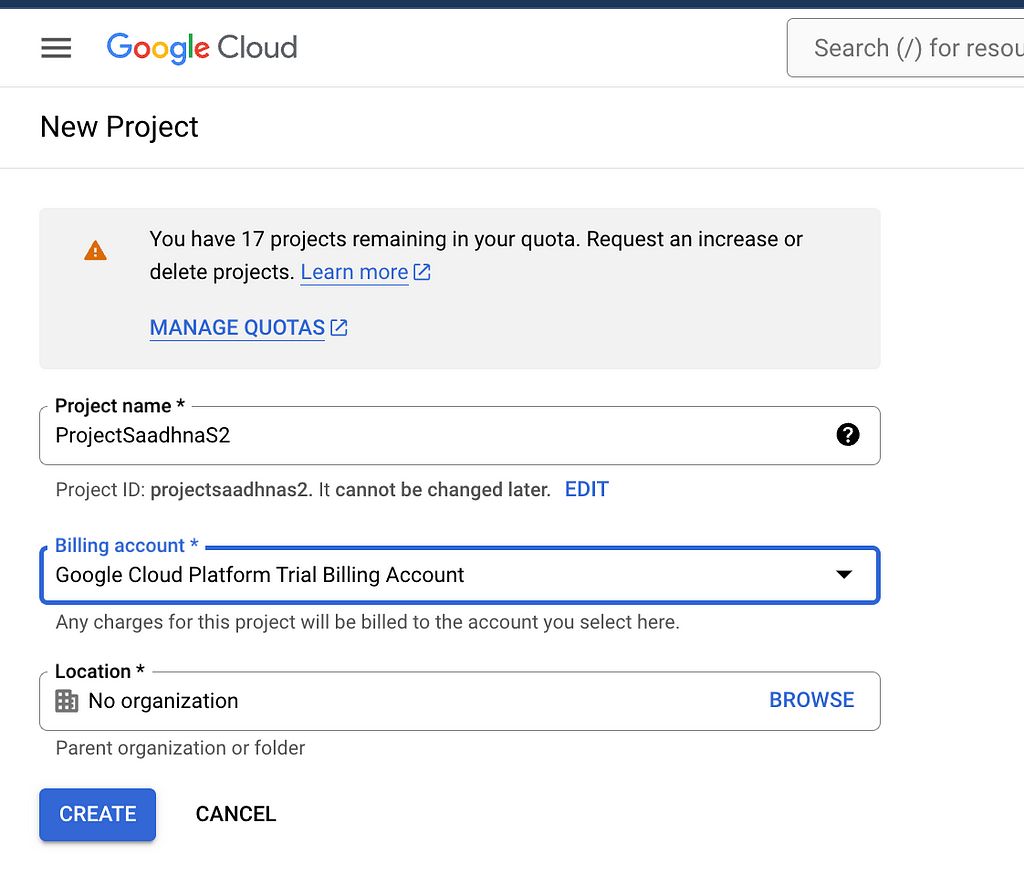
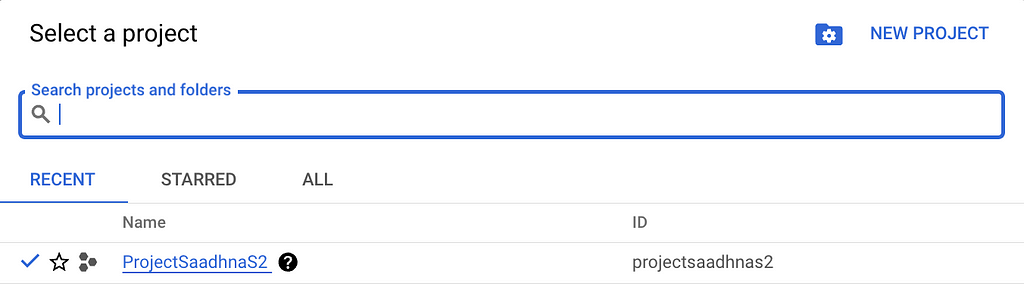
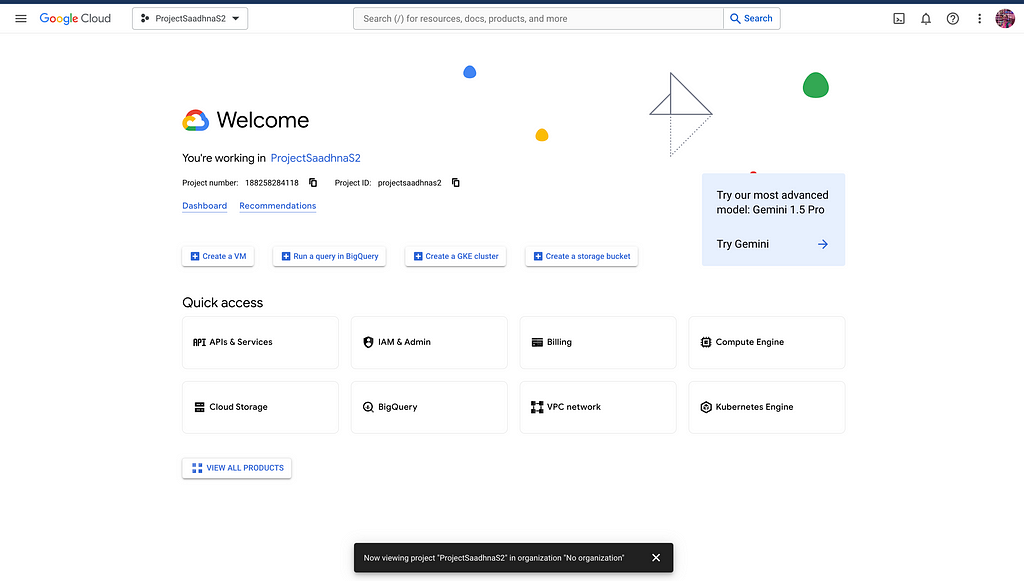
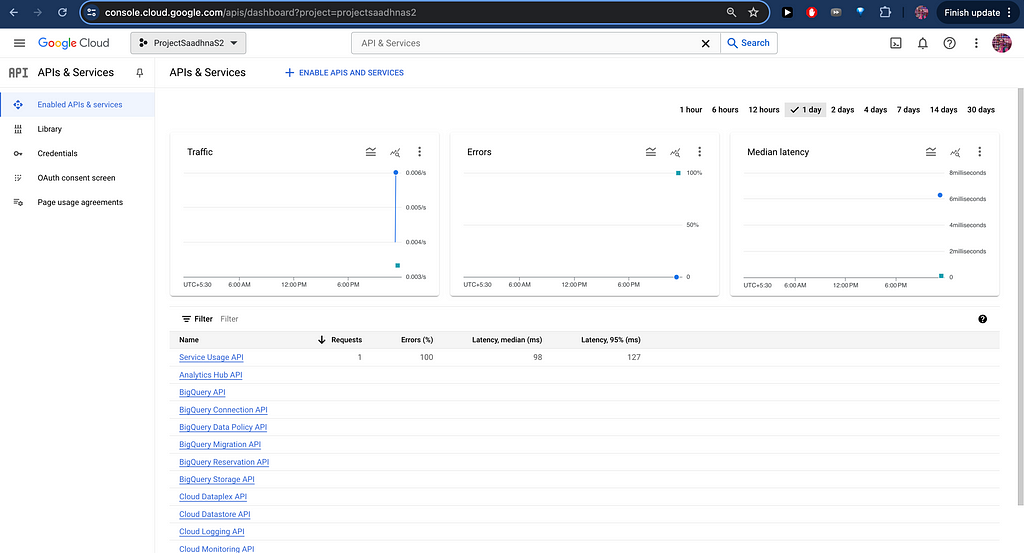
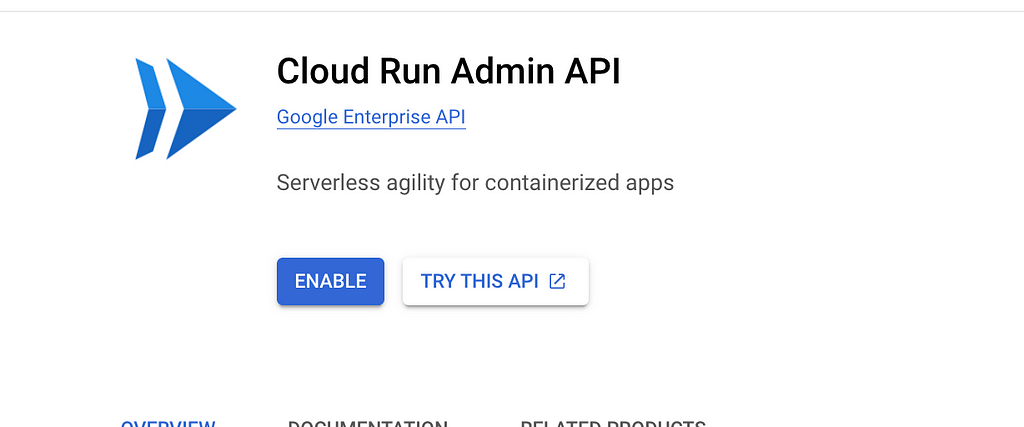
Search for the following APIs and click on “Enable.”

gcloud config set project YOUR_PROJECT_ID
git clone https://github.com/NehaKoppikar/ContentGenerationAnalysis.git
cd ContentGeneratorAnalysis
python -m venv env
2. Activate virtual environment
source env/bin/activate
3. Install Dependencies
pip install -r requirements.txt
4. Test Flask App from Cloud Shell
python app.py
Once the app works as expected, deploy it on a serverless computing service.
FROM python:3.9-slim

WORKDIR /app

COPY requirements.txt .
RUN pip install --no-cache-dir -r requirements.txt

COPY . .

ENV PORT=8080

CMD ["sh", "-c", "gunicorn --bind :$PORT --workers 1 --threads 8 --timeout 0 app:app"]
gcloud builds submit --tag gcr.io/YOUR_PROJECT_ID/gen-analyzer
gcloud run deploy --image gcr.io/YOUR_PROJECT_ID/gen-analyzer --platform managed
Once the application is deployed on Cloud Run, a publicly shareable link will be available on the cloud shell (Service URL: https://ai-analyzer-s3yjgpacla-em.a.run.app). The application will look something like the following video demo:
The first page contains the following
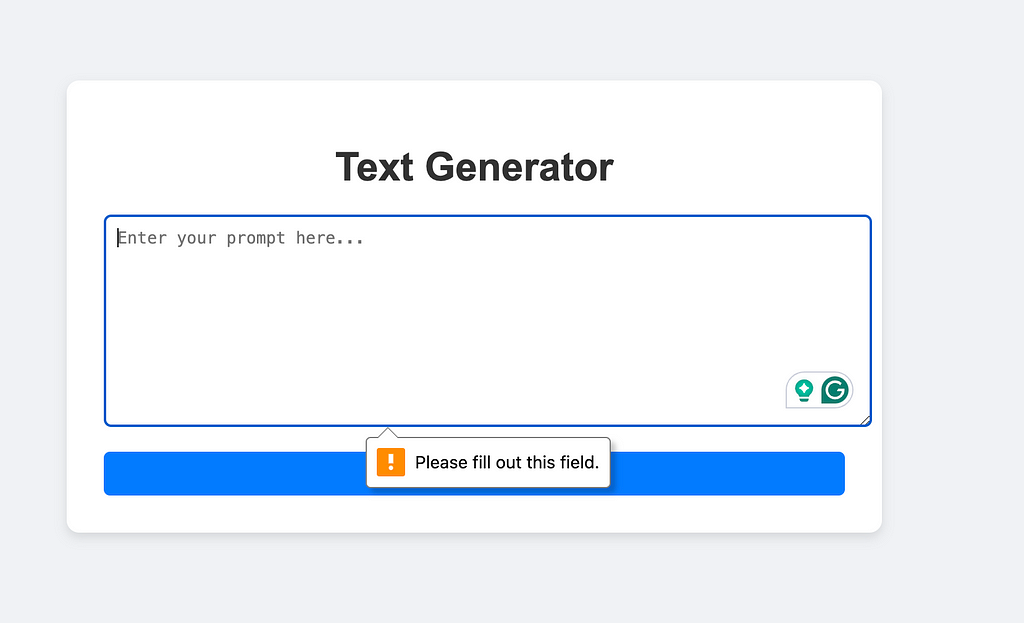
The second page contains the following
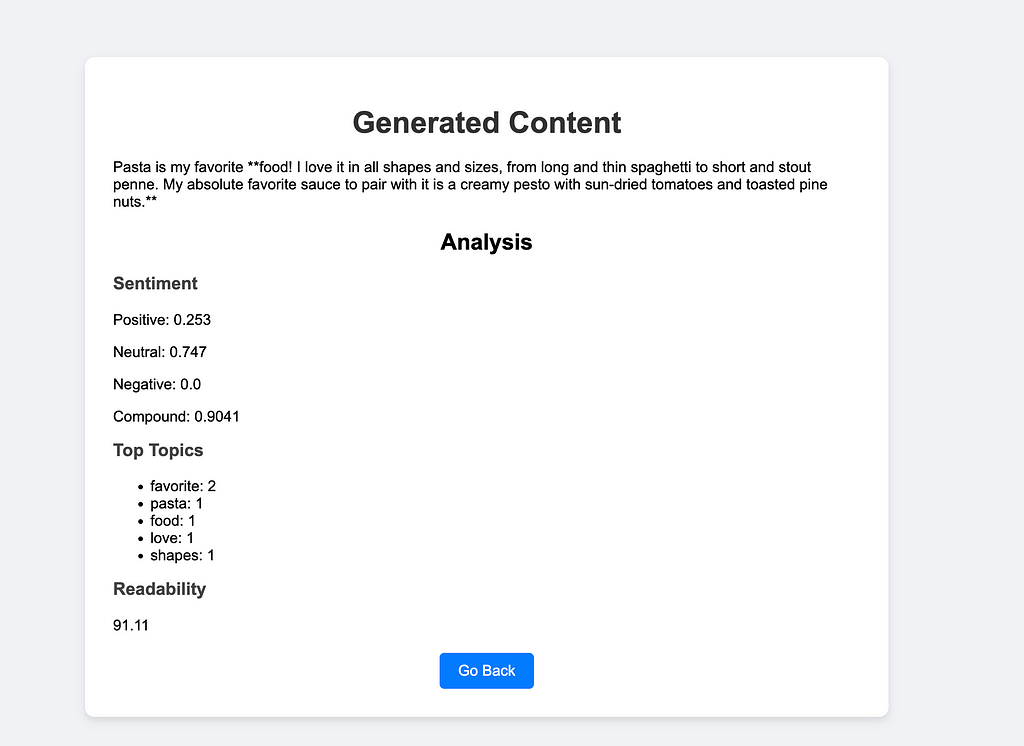
This application can be used to draft emails, write essays, or even help us write social media posts.
Congratulations on building your Flask app. Now that you have a solid foundation, here are some ideas to take your project to the next level:
To learn more about Google Cloud services and to create an impact for the work you do, get around to these steps right away:
<hr><p>How to build an AI-Assisted Content Generation and Analysis Tool using Google Cloud and Gemini was originally published in Google Cloud - Community on Medium, where people are continuing the conversation by highlighting and responding to this story.</p>